Fluid Simulation - Smoothed Particle Hydrodynamics
A downloadable project for Windows
Fluid Simulation Controls
You can push or pull the particles by dragging along the fluid with your cursor while holding the left or right mouse button.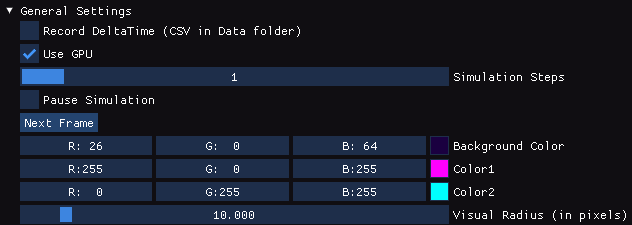
- You can record frame times with the record button, it will be on for a maximum of a 1000 frames, or for the amount of frames that you leave it on
- You can switch to a CPU based simulation by unchecking the "use GPU" button. This will lower the performance of the simulation but can be used to benchmark the simulation.
- With the "Simulation Steps" setting you can set how many steps are simulated per frame.
- The "Pause Simulation" and "Next Frame" button can be used to manually go through the simulation slowly, with the amount that "Simulation Steps" is set to, if it is paused (it works too if it's not paused but then it's less useful).
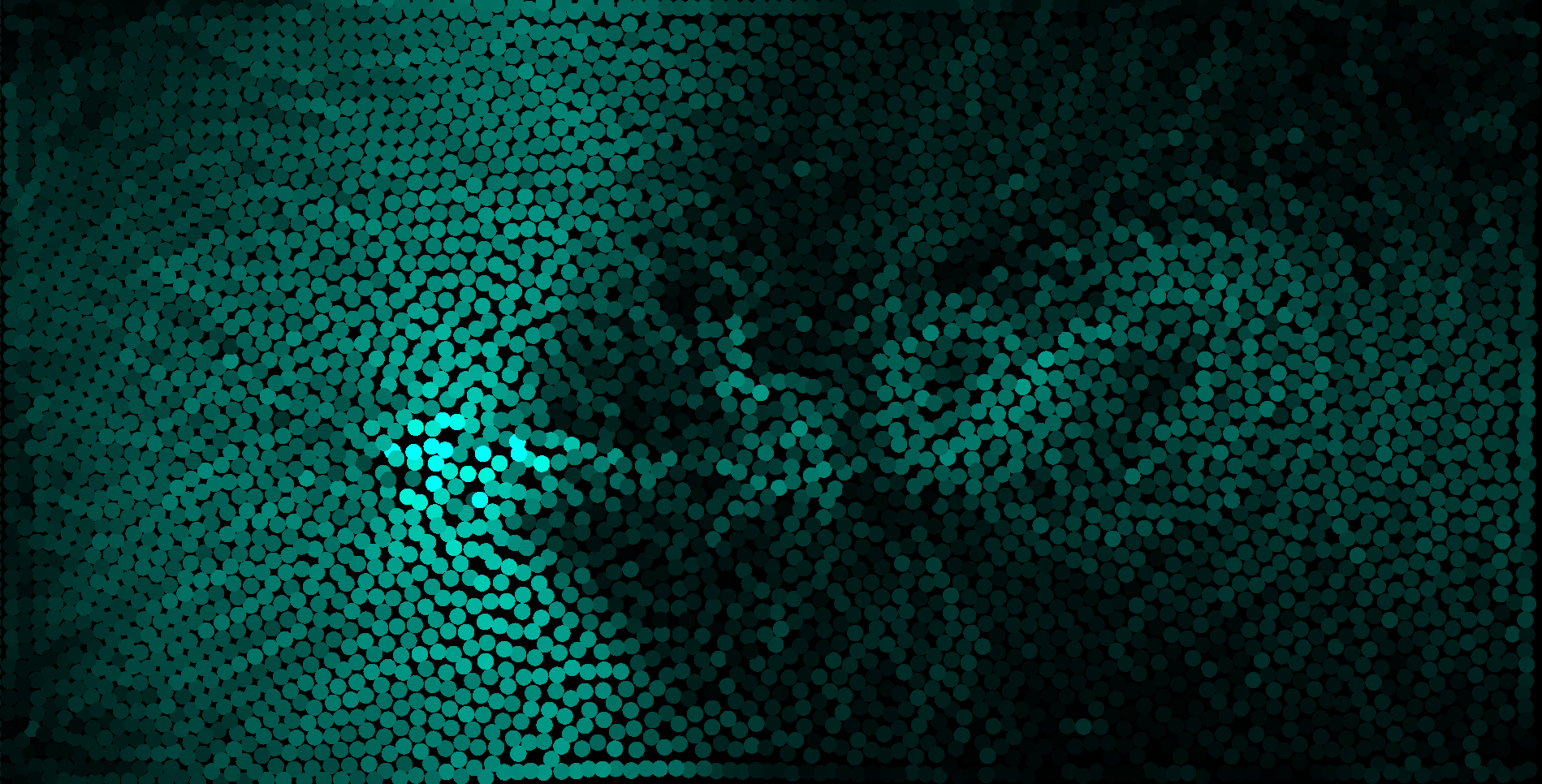
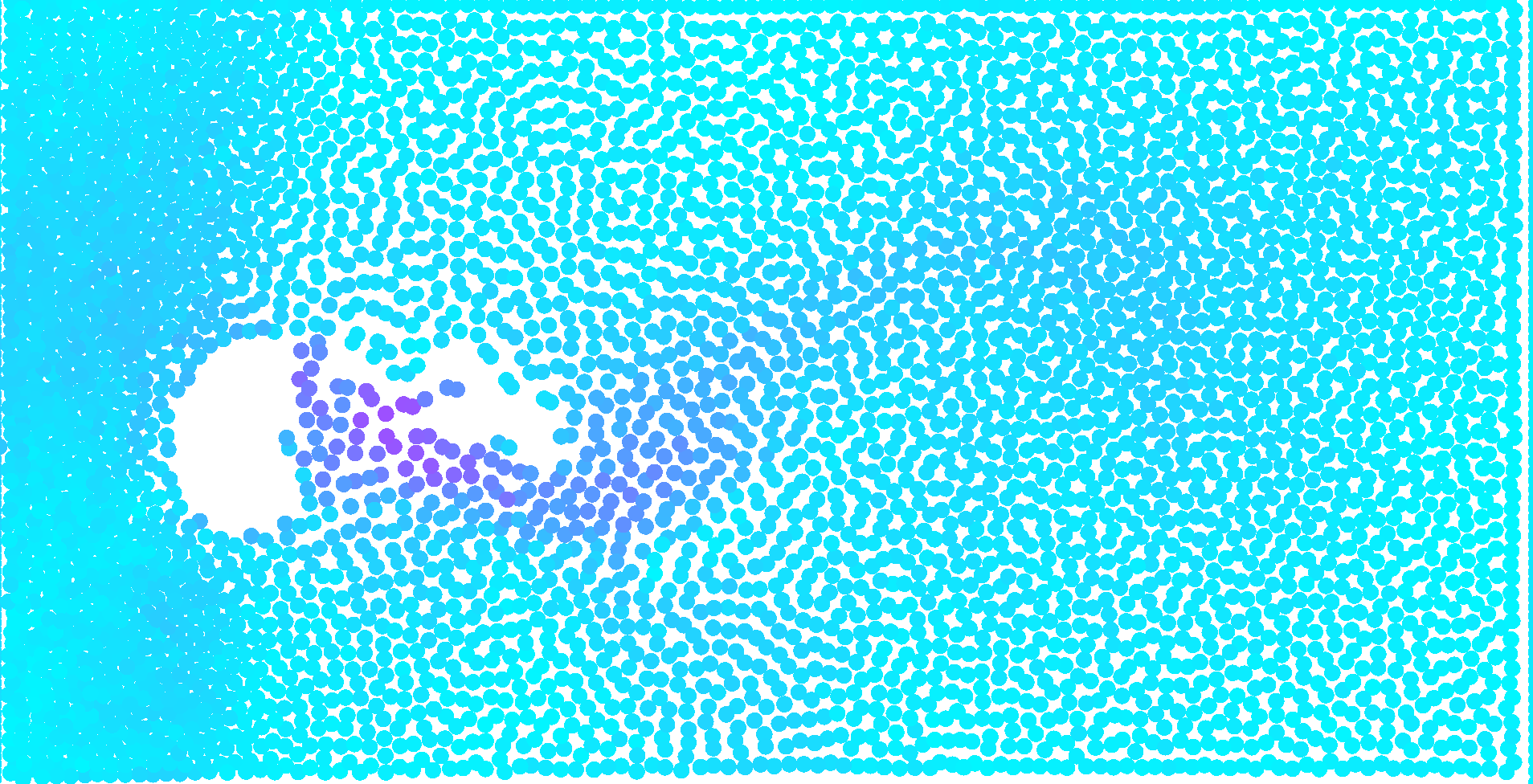
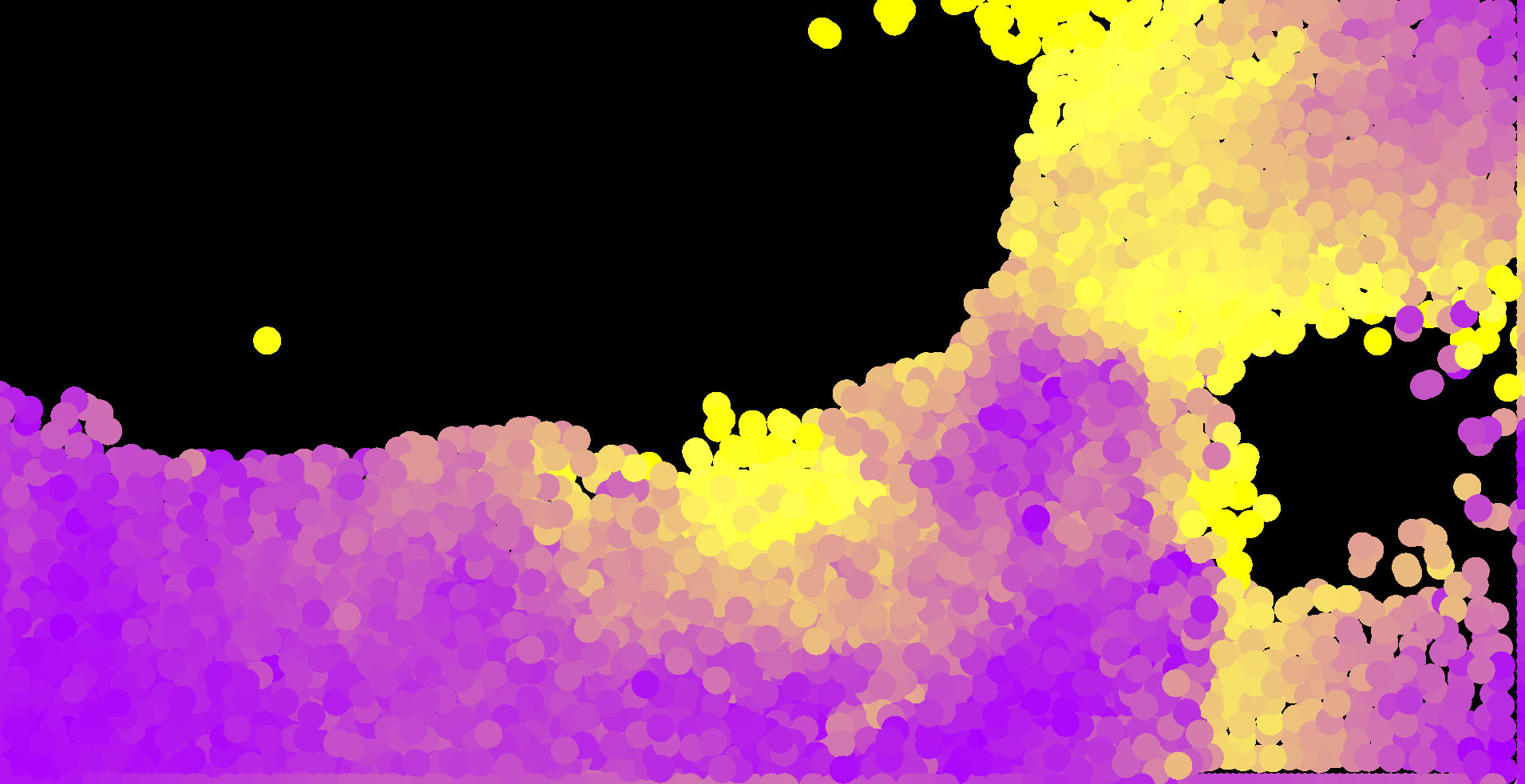
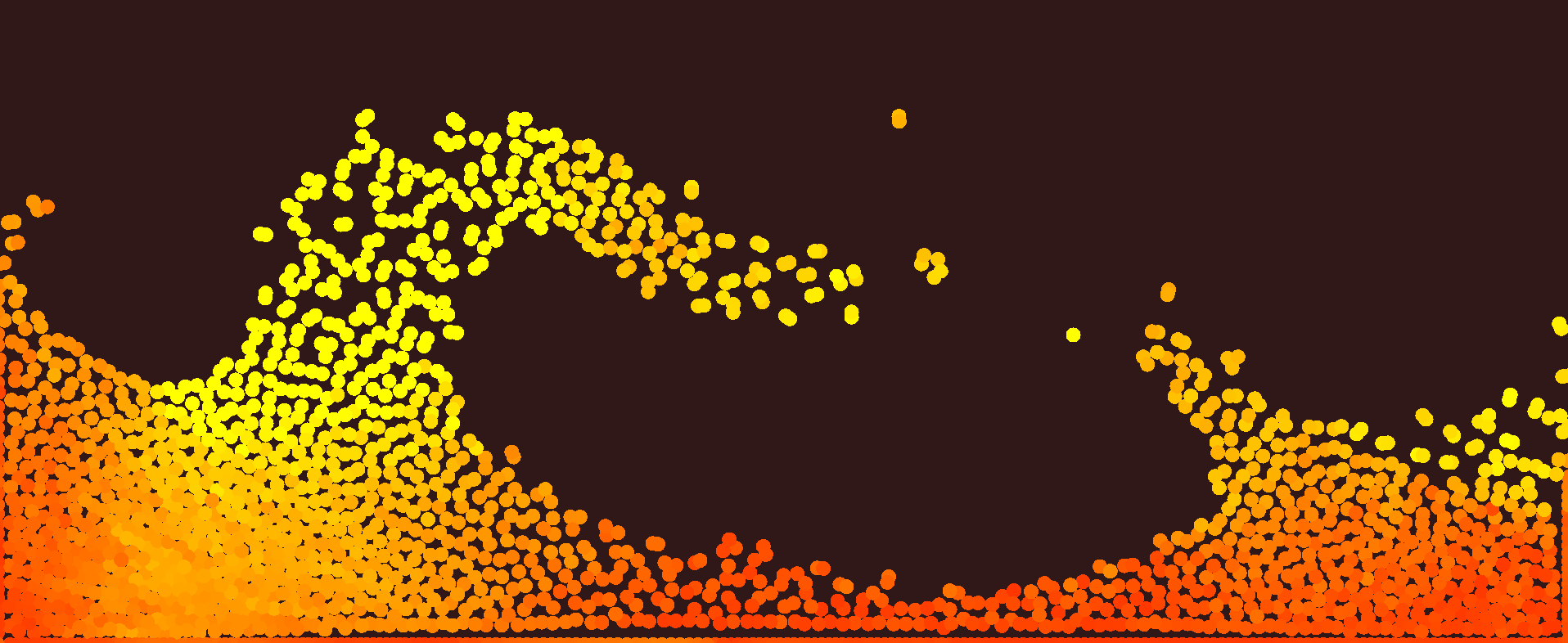
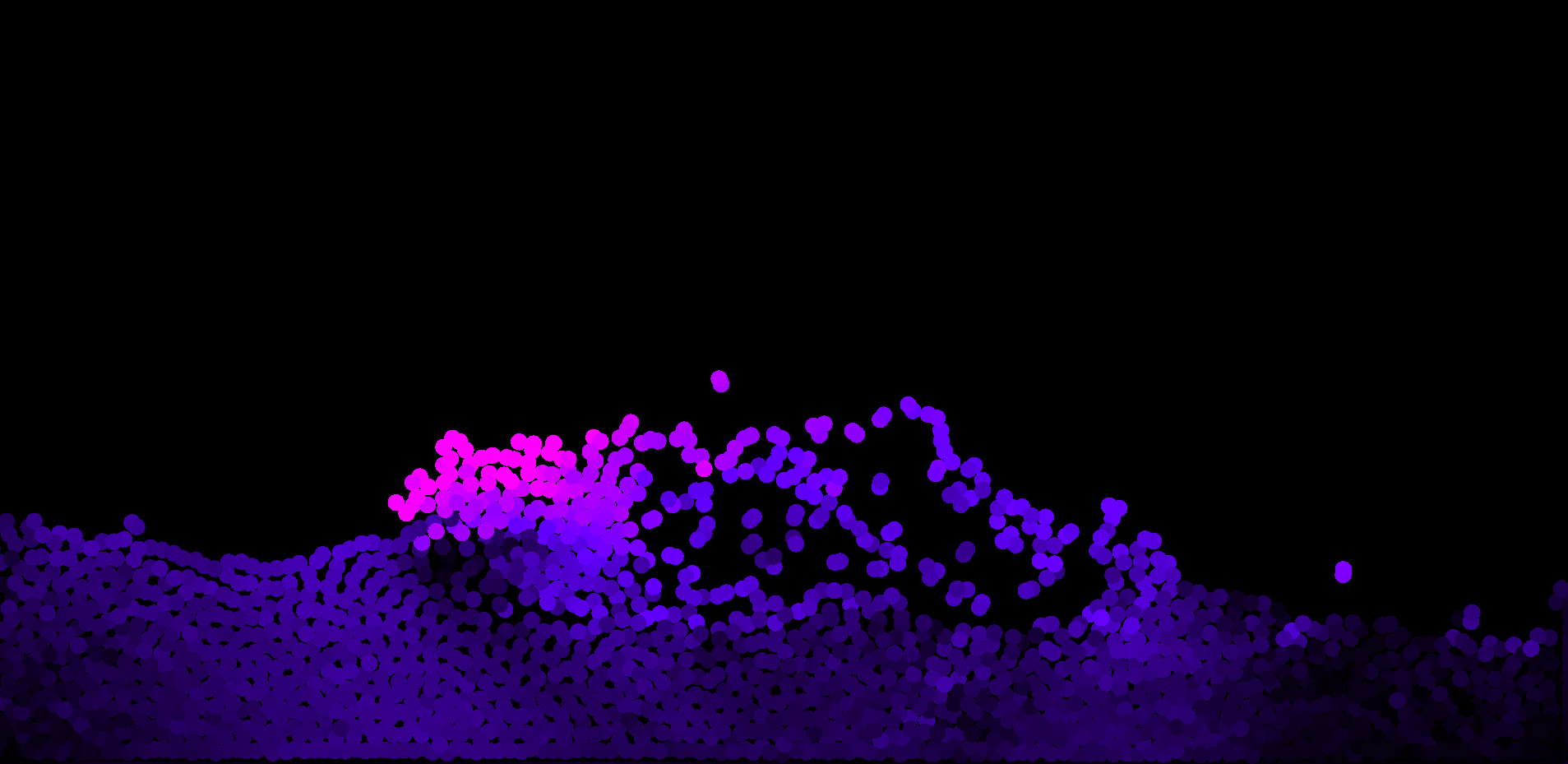
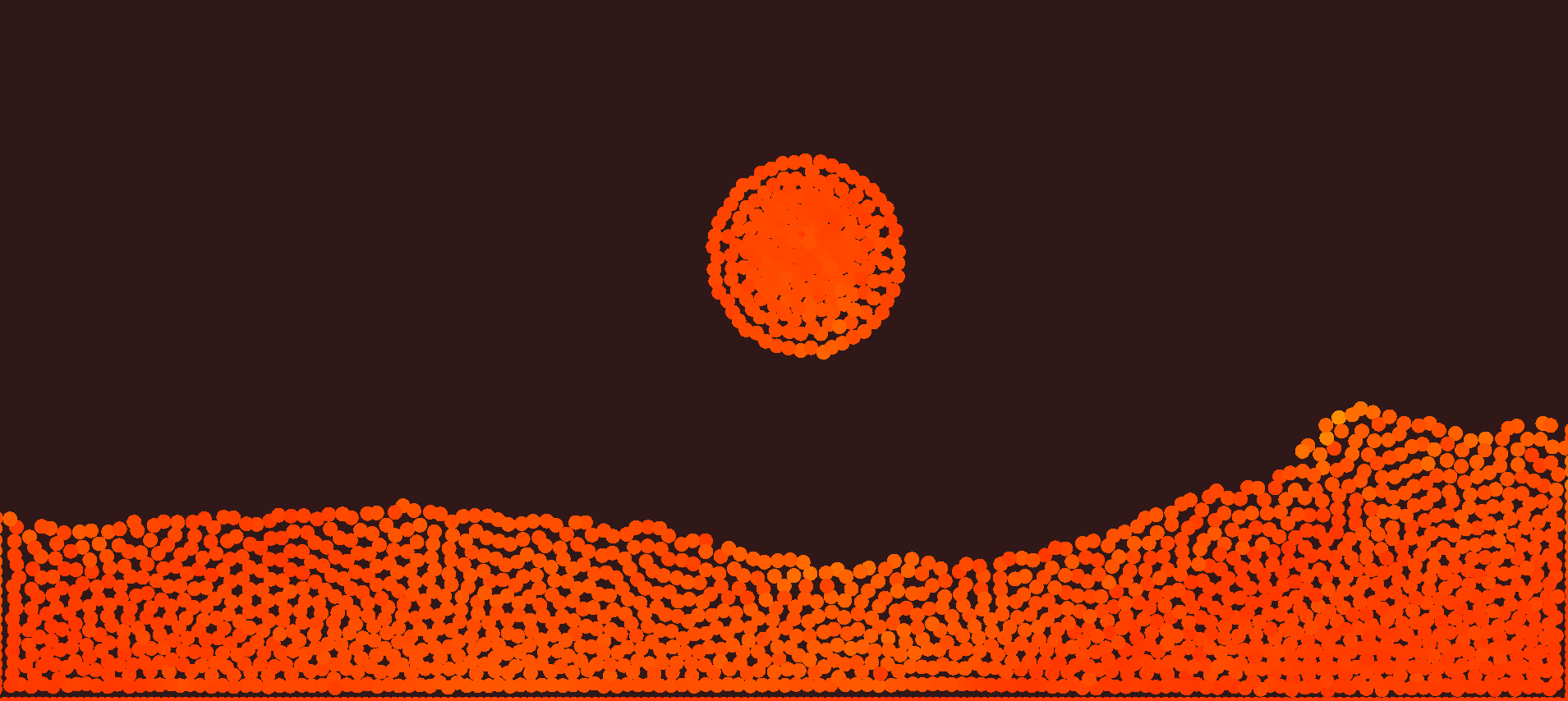
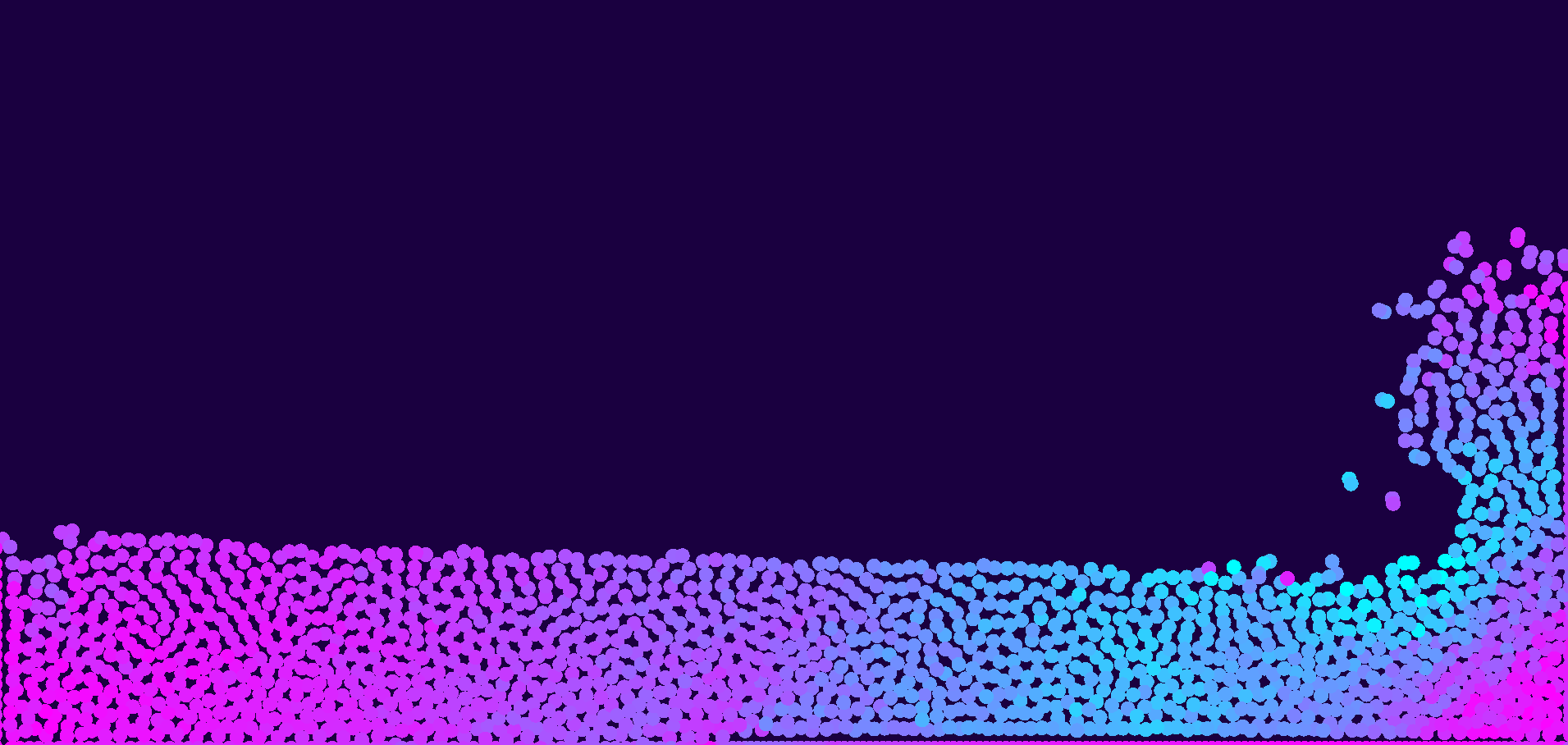
- You can change the colors of the simulation! Color 1 is for the slower particles, Color 2 is for faster particles.
- The "Visual Radius" changes how big the particles are displayed in pixels.
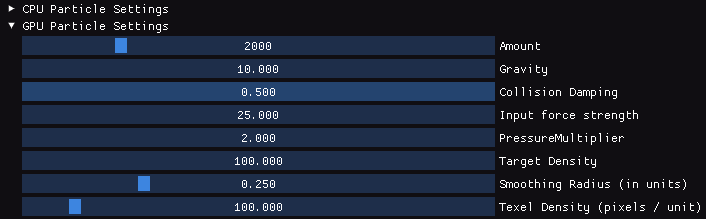
There are also CPU and GPU specific settings:
- "Amount" specifies how many particles are being simulated.
- "Gravity" specifies how strong the gravity is (can be set to a negative value if you enter it manually by double clicking)
- "Collision Damping" sets how much of a particles speed is retained in a boundary collision. (0.75 means that 75% of the velocity is retained by the particle).
- "Input Force Strength" specifies with how much force the particles are pulled or pushed away from your mouse inputs, a negative value reverses the pushing and pulling.
- The "Pressure Multiplier" sets how much weight the pressure component, calculated from surrounding particles, has in the acceleration/velocity calculation for the particles. Higher values will cause the simulation to become unstable sooner when you set a higher particle amount.
- The "Target Density" sets the constraint of the simulation, meaning that this is the value that the the simulation tries to correct for. A higher value means that the particles will try to form a higher density fluid (within their smoothing radius).
- "Smoothing Radius" is the radius in which particles will have an effect on each other. The amount of the effect the particles have on each other is decided based on a kernel function.
- The "Texel Density" decides how much pixels are needed to fill one simulation unit. Lower Values will give you more simulation space in the application window.
Project Explanation
You can take a look at the source code here, and at an in depth explanation of the research, implementation, benchmarks and analysis here.
This is a personal university project where I attempted to make an SPH (Smoothed Particle Hydrodynamics) simulation. It is mostly based on this paper (Müller, Charypar, Gross. 2003) and Sebastian Lague's implementation in unity. Except I tried to make this in C++ and OpenGL to generalise it and learn more on how it could connect to an engine on it's own. Besides learning how to make a fluid simulation, the goal of this project was also to do a benchmark and analysis on optimisations. In this case I learned how to write an OpenGL compute shader containing all the simulation math and handle communication between the CPU and GPU. The benchmark clearly confirmed a reduction in time complexity of O(n2) to O(n) when using the compute shaders, without any major error points or weird behaviour.
The particle Simulation runs smoothly up to around 5000 particles under most standard simulation parameters. Beyond this amount the simulation clearly struggles to stabilize itself both in fps and simulation state, hinting at a need for more optimisations.
Futere steps for this project include region based spatial optimisations for a huge boost in performance, a fluid visualisation using marching squares, an upgrade to 3D, and making the fluid behave even more realistically using viscosity and surface tension. Something I am also curious about is how it would be possible to make the fluid interact with dynamic boundaries and meshes, as that is something for which I cannot yet form a clear idea.
Download
Click download now to get access to the following files:



Leave a comment
Log in with itch.io to leave a comment.